
Our top picks for the best golf simulator at home
| Best for | Setup | Price |
|---|---|---|
| Most homes and smaller rooms | SimBooth Kit 1 in HD | CA$18,195 |
| Sharper picture in a smaller room | SimBooth Kit 1 in 4K laser | CA$19,695 |
| Bigger screen and a setup you can take down | SimBooth Kit 2 in HD | CA$19,395 |
| The sharpest picture at home | SimBooth Kit 2 in 4K laser | CA$20,895 |
| Large rooms and a showpiece | SimBooth 4 with the IDRA II and BenQ LK936ST | Quote |
| Golfers who already own some gear | Booth, launch monitor and projector bought separately | From CA$7,595 for a booth |
Prices are in Canadian dollars, with free shipping anywhere in Canada.
How we compared them
We judged each setup on the things that decide whether you’ll still enjoy it in five winters.
- Room fit. Ceiling height, depth and width, because a setup that doesn’t fit your room is no use at any price.
- Tracking accuracy. Ball and club data from the launch monitor, since that’s what makes the shots feel real and your practice count.
- Picture. Screen size, resolution and how bright the image looks with the lights on.
- Setup. Whether you can put it up yourself in an afternoon or need our team.
- Value over time. A complete, matched package rather than parts that need extra buying later.
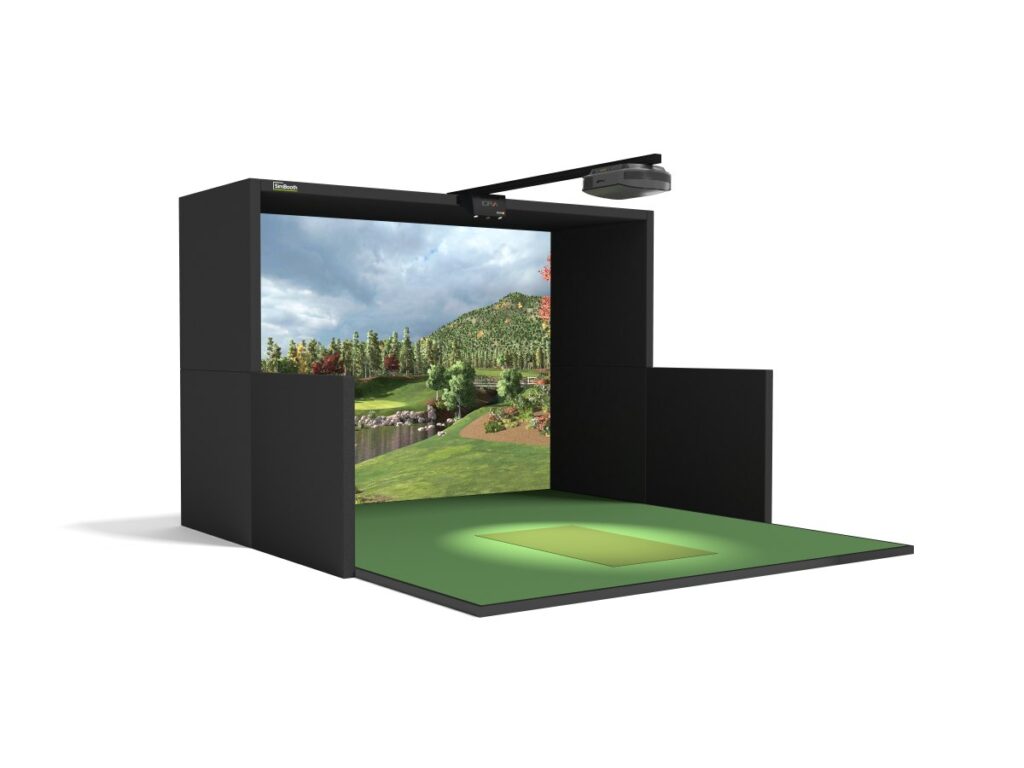
Top pick for most homes
SimBooth Kit 1, the best value
The SimBooth Kit 1 is our top pick for most Canadian homes because it fits the widest range of rooms for a full simulator. The booth is 11’1″ wide, 12′ deep and 7’10” high, and it needs a 9 ft ceiling and 16 ft of room depth. Two people put it up in about 2 to 3 hours.
Inside the package you get the enclosure with an aluminum frame, solid panels, a crease-free 152-inch screen, a full surface floor and a commercial hitting mat. The IDRA II overhead launch monitor tracks every ball and club with dual high-speed cameras and works with GSPro. Choose the BenQ AH30ST HD model or step up to the BenQ AK700ST 4K laser.
Best for garages, basements with a 9 ft ceiling and spare rooms. It’s the simplest simulator build we sell, because every part arrives matched in one order.
Best for a bigger screen
SimBooth Kit 2
The SimBooth Kit 2 gives you a 172-inch screen in a booth 12’1¾” wide, 12′ deep and 8’10” high. It needs a 9’7″ ceiling and 16 ft of depth. It has the same IDRA II launch monitor and a choice of HD or 4K laser projector.
SimBooth 2 was built for frequent setup and takedown, which suits a garage you want back in summer or a room that hosts other things.
Best for golfers with a little more height who want a bigger picture.
If you’d rather build your own setup piece by piece, our DIY golf simulator guide shows how the parts fit together.
Why a home golf simulator needs an enclosure, not a golf net
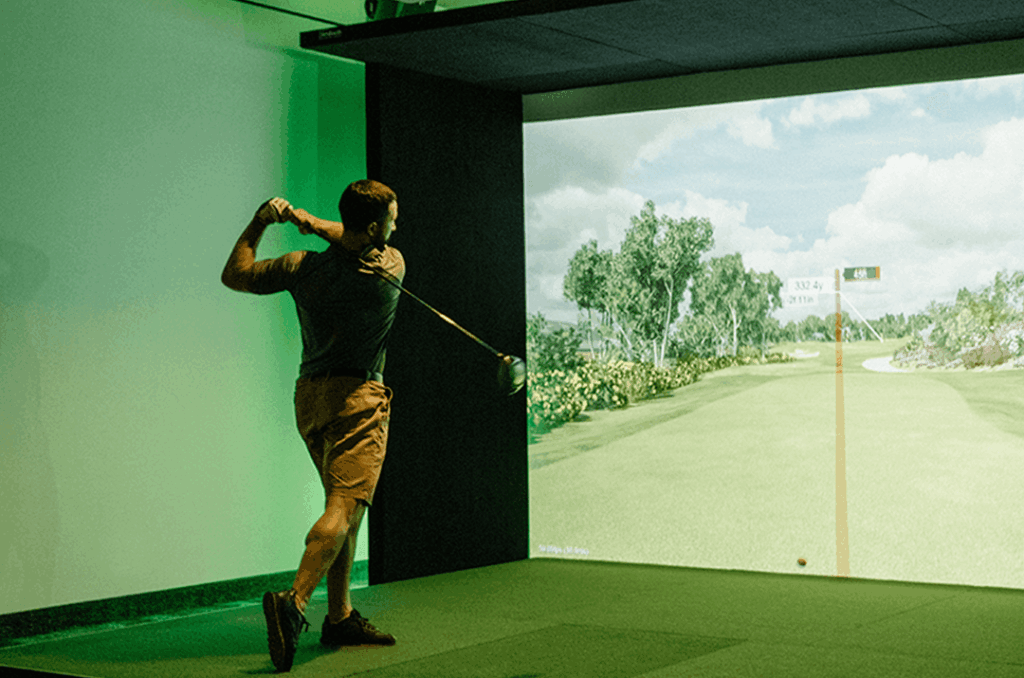
A golf net is the cheapest way to hit balls indoors, but it doesn’t give you a picture, and balls can still bounce off the frame and walls. An enclosure with an impact screen contains every shot, gives the projector a proper surface and makes course play feel like a round of golf rather than range practice. Every home simulator on this page includes a full enclosure.
Should you choose HD or 4K?
Both kits come with a choice of projector. The BenQ AH30ST is a 1080p LED short throw model with a low offset made for lower ceilings. The BenQ AK700ST is true 4K laser with Auto Screen Fit and a 1.2x optical zoom, and its laser light source needs no lamp changes.
Choose HD if budget matters most and you mainly want to play. Choose 4K if you also use the screen for sport and films, or you want every detail of the golf courses as sharp as possible. The 4K option adds CA$1,500 to either kit.
Best launch monitor for indoor golf simulators
The IDRA II comes in every SimBooth kit. It’s an overhead camera launch monitor, so it sits out of the way on the ceiling with nothing on the floor to trip over. It reads a 36″ x 28″ hitting area, tracks full swing, short game and putting with any club and ball, and works with GSPro and E6 Connect. It captures ball speed, launch angle, direction and spin as well as clubhead data, with no special balls or stickers needed, so you see your ball flight and numbers after each shot. It carries a two-year warranty, and you can buy it on its own for CA$8,495.
It runs on a Windows PC with at least an Intel Core i7 (10th generation or newer), an Nvidia GeForce RTX 20 series graphics card or better, 16GB of RAM and 512GB of storage.
Best for large rooms
If you have a ceiling of 10’7″ or more and 19 ft of depth, a SimBooth 4 gives a curved 218-inch screen and can be built to a custom size with your choice of panel colours. Pair it with the IDRA II and the bright BenQ LK936ST 4K laser (5,100 lumens). Our team installs it. Ask us for a quote.
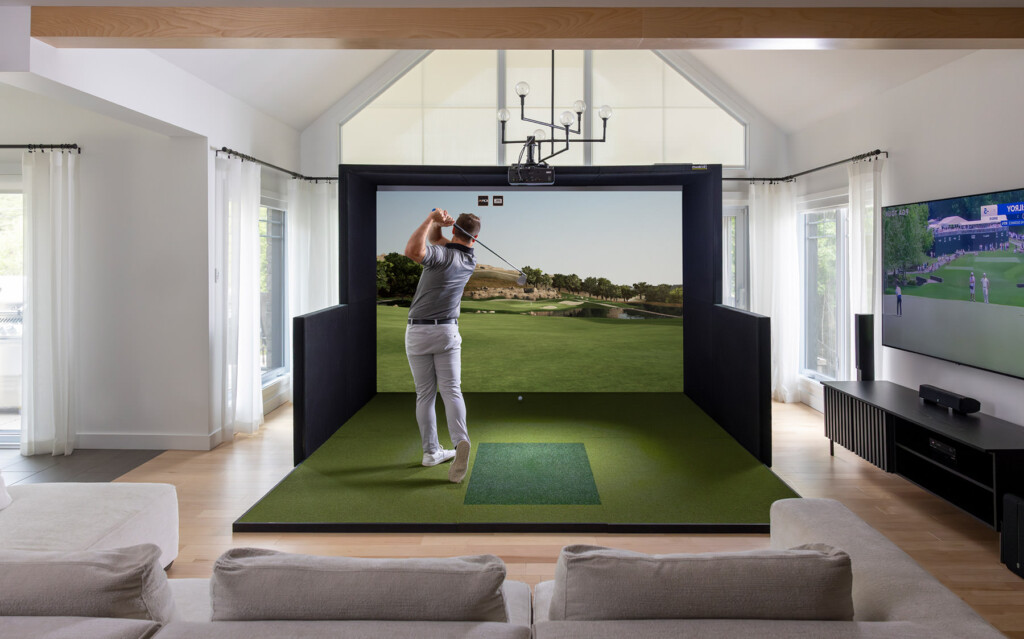
Which golf simulator package should you buy?
- Measure your room first. Use our golf simulator room dimensions guide and calculator.
- Match the booth to your ceiling. 9 ft suits SimBooth 1, 9’7″ suits SimBooth 2.
- Pick HD or 4K. Decide how much the picture matters to you.
- Check the space type. See our garage golf simulator and basement golf simulator guides.
- Set the budget. The golf simulator cost guide breaks down every part.
Frequently asked questions
What is the best home golf simulator in Canada?
For most homes it’s the SimBooth Kit 1, a complete package with enclosure, IDRA II launch monitor and short throw projector from CA$18,195. If you have a 9’7″ ceiling, the SimBooth Kit 2 gives you a bigger 172-inch screen.
What is the best value home simulator?
The SimBooth Kit 1 in HD at CA$18,195. You get a full enclosure, accurate overhead tracking and a projector in one order, so all you add is a Windows PC and a GSPro subscription.
What is the best golf simulator setup for home use?
The best indoor setup is an enclosure with a crease-free impact screen, an overhead launch monitor, a short throw projector mounted behind the golfer, a PC and simulator software. A complete kit puts all of these together so everything works together from the first day.
Are there subscription fees after I buy a golf simulator?
Yes, for the simulator software. GSPro is a yearly subscription of US$250 that you buy directly from GSPro at gsprogolf.com, and it includes every update while it is active. E6 Connect is also supported by the IDRA II if you prefer it.
Do golf simulators work for left-handed golfers?
Yes. Our SimBooth kits work for both left-handed and right-handed golfers, so the whole family can use the same setup.
Not sure which setup suits your room? Talk to Martin Boland, our co-founder and a PGA Pro.