
How golf simulator installation works
It depends on the booth. The self-assembly booths, SimBooth 1 and SimBooth 2, go up in about 2 to 3 hours with two people. The larger SimBooth 3 and SimBooth 4 are fitted by our team, which suits commercial venues and custom sizes.
| Booth | Who puts it up | Time | Ships as |
|---|---|---|---|
| SimBooth 1 | You, with two people | About 2 to 3 hours | One 6′ x 4′ pallet |
| SimBooth 2 | You, with two people | About 2 to 3 hours | One 6′ x 4′ pallet |
| SimBooth 3 | Our team | Arranged with you | One 6′ x 4′ pallet plus a turf roll |
| SimBooth 4 | Our team | Arranged with you | Two 6′ x 4′ pallets plus a turf roll |
Setting up a complete indoor golf package
A golf simulator package is the simplest home golf setup to put together, because every part is chosen to work with the others. The SimBooth Kit 1 and Kit 2 each include the enclosure, the IDRA II and a BenQ short throw model in HD or 4K. You put up the booth, mount the tech, connect your PC and start playing virtual golf the same day.
If you’re building a custom golf simulator from separate parts instead, the order of work is the same. Booth first, then the launch monitor, then the projector, then the PC and software.
Before you start, measure the space
Check the ceiling height, room depth and width against the booth before you order, so you have room to swing a driver. Measure at the lowest point, which in a garage is usually the door opener. Every dimension you need is below.
| Booth | Booth size (W x D x H) | Min ceiling | Min room depth |
|---|---|---|---|
| SimBooth 1 | 11’1″ x 12′ x 7’10” (3.38 x 3.66 x 2.39 m) | 9 ft (2.74 m) | 16 ft (4.88 m) |
| SimBooth 2 | 12’1¾” x 12′ x 8’10” (3.70 x 3.66 x 2.69 m) | 9’7″ (2.92 m) | 16 ft (4.88 m) |
| SimBooth 3 | 14’1″ x 14’11” x 9’11” (4.29 x 4.55 x 3.02 m) | 9’11” (3.02 m) | 19 ft (5.79 m) |
| SimBooth 4 | 15’11” x 14’11” x 10’5″ (4.85 x 4.55 x 3.17 m) | 10’7″ (3.23 m) | 19 ft (5.79 m) |
Our golf simulator room dimensions guide has a calculator that checks your space against each booth.
Delivery
Your booth arrives on a truck with a tailgate, which backs up as close to your door as it can. We confirm your delivery date with your order, so you can plan to be there to sign for it. Have a couple of people ready to carry the parts inside and you’ll be set up the same day. Shipping is free anywhere in Canada on orders over CA$200. Clear a path from the door to the room before the truck arrives, because the panels and the screen roll are long.
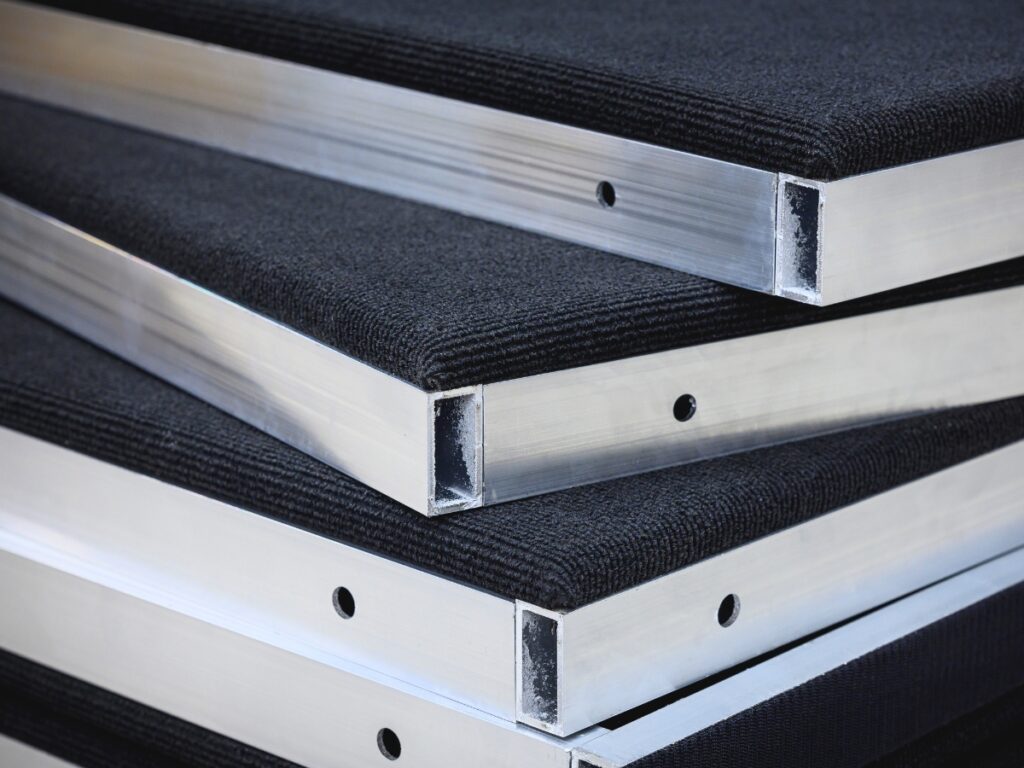
Putting up the enclosure, step by step
SimBooth 1 and 2 come with an assembly guide. The tools you need are two 9/16″ keys, a star screwdriver and two ladders.
- Lay out the parts and check them against the guide.
- Build the aluminum frame and fix the solid wall and ceiling panels.
- Hang the impact screen so it sits flat and crease-free.
- Lay the full surface floor and place the hitting mat.
- Install the IDRA II and the projector, then run the cables to the PC.
- Calibrate the IDRA II and fit the image to the impact screen.
Mounting the launch monitor
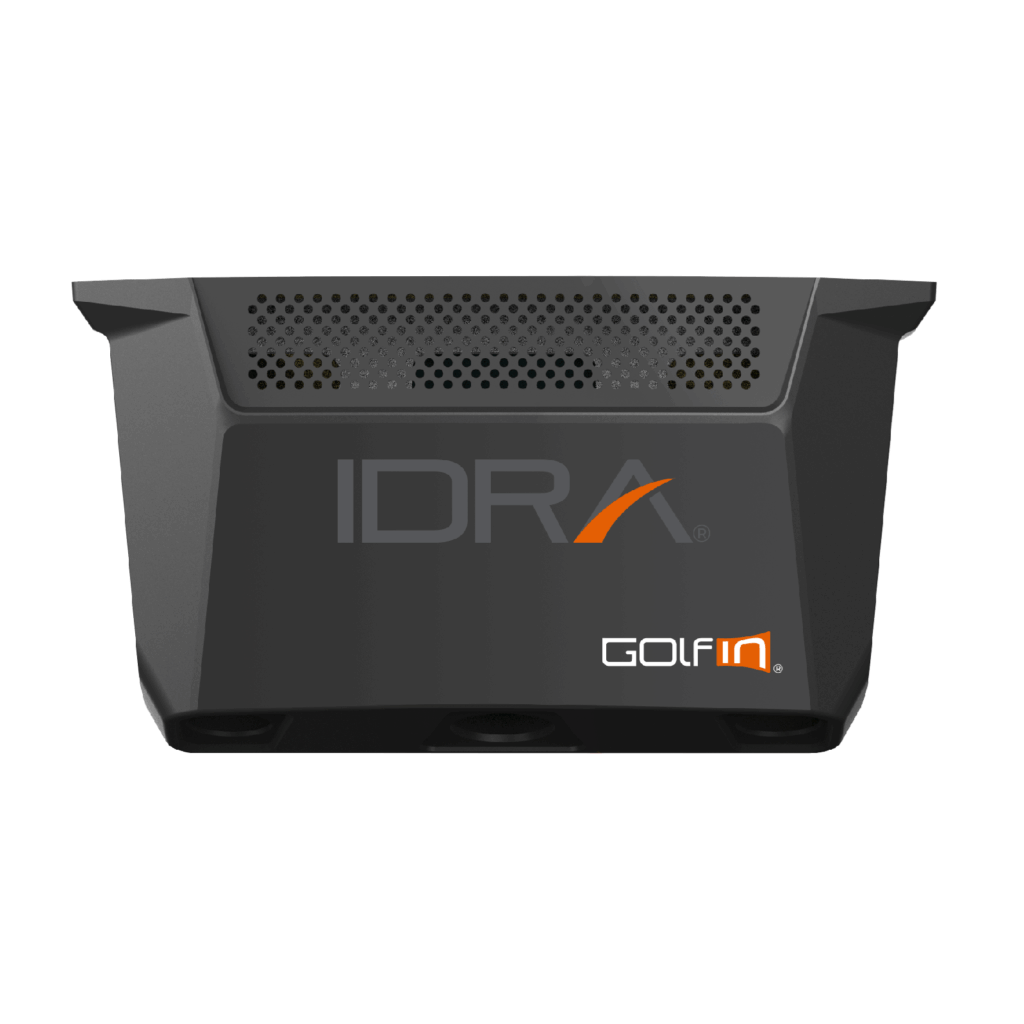
The IDRA II mounts on the ceiling above the hitting mat. In the box you get the overhead camera unit, a power adapter, a 25 ft active USB-C cable, the mounting hardware, a calibration stick and an alignment laser. The unit weighs 14.4 lb (6.5 kg), so fix the mount into something solid.
- Mark the centre of the hitting mat and fix the mount above it.
- Hang the camera unit and run the USB-C cable to where the PC will sit, within 25 feet.
- Plug it straight into the PC, never through a USB extension.
- Use the calibration stick and alignment laser to line it up with the hitting zone, which is 36″ x 28″.
- Hit a few shots with a wedge to check every ball is read before you move up to the driver.
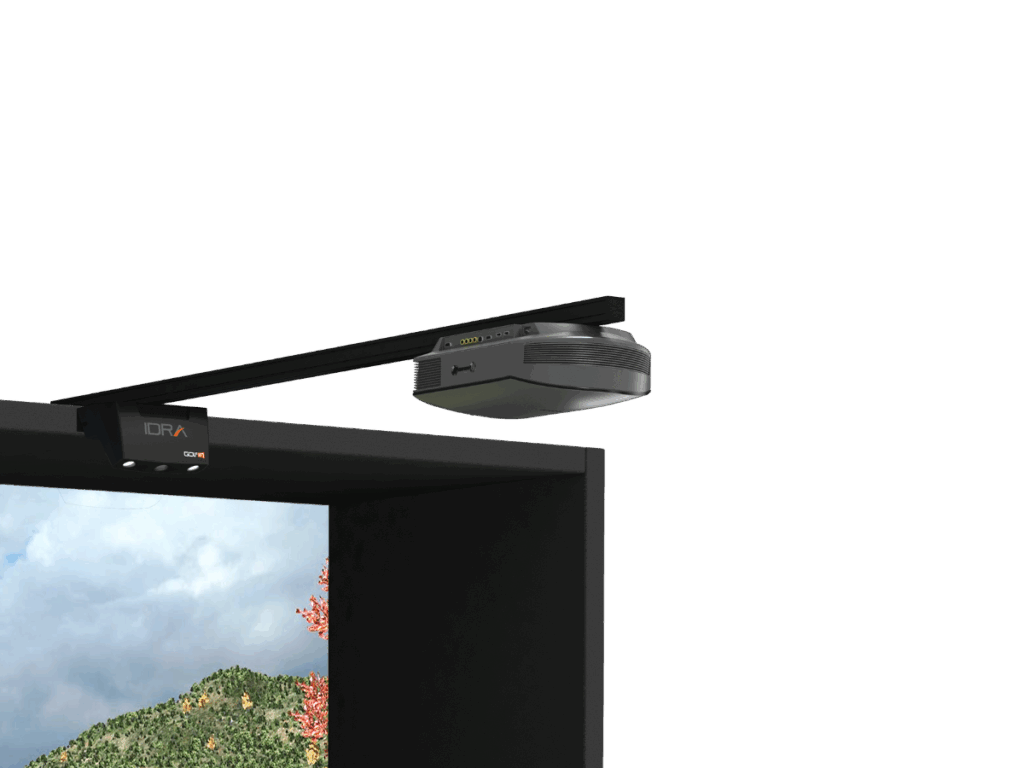
HD or 4K projector setup
The projector goes on the ceiling behind the golfer, so your shadow never crosses the screen. Choose an HD or 4K laser model from our golf simulator projectors. The BenQ AH30ST is a 1080p LED model with a low offset that suits lower ceilings. The AK700ST and LK936ST are 4K laser models, and the LK936ST fills a 200-inch image from 3.6 to 3.9 m (about 12 to 13 ft) away with 5,100 lumens, so it copes with the lights on.
Before you drill, check the throw distance against your booth and run power and the HDMI cable along the ceiling, so nothing crosses the hitting area. Lens shift and keystone correction then square the picture up on the screen.
Connecting the PC and software
The IDRA II needs a Windows PC with at least an Intel Core i7 (10th generation or newer), an Nvidia GeForce RTX 20 series card or better, 16GB of RAM and 512GB of storage. Avoid AMD processors. Buy your GSPro subscription from GSPro (US$250 a year) and install it from the download link they email with your licence key, or use E6 Connect. Then connect the launch monitor and projector, and run the calibration once more with everything in its final position. That’s the whole job from start to finish for a self-assembly booth.
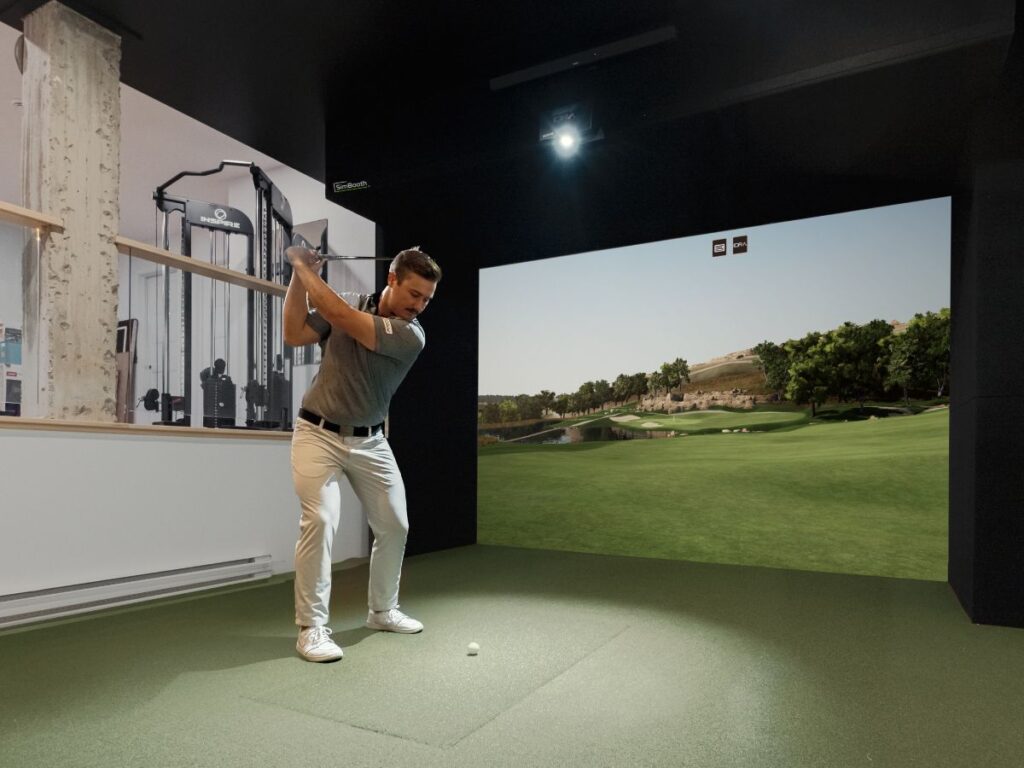
Professional installation for custom golf simulator rooms
Our team fits every SimBooth 3 and SimBooth 4 on site, including custom sizes, so these booths suit a home or business that wants a permanent installation. You can customize SimBooth 4 with your choice of panel colours and floor border. Because each SimBooth 4 is built to your measurements, we confirm the size, colours and border with you before it’s made, then schedule the installation date with you.
Consultation and a quote for commercial venues
Pricing for custom work comes with a quote. Send us the room dimensions, a simple drawing or a few photos, and the ceiling height at its lowest point, and we’ll suggest the booth and tech configuration that fits. A consultation with Martin Boland, our co-founder and a PGA Pro, helps you plan the golfing experience you want, whether that’s a coaching studio, a bar or a family room. See commercial golf simulators for venues.
Prefer to source parts yourself? Our DIY golf simulator guide explains which parts you can mix and match.
Frequently asked questions
How long does it take to set up a golf simulator?
Two people can put up a SimBooth 1 or SimBooth 2 in about 2 to 3 hours. SimBooth 3 and 4 are fitted by our team on a date arranged with you.
Can I put up a golf simulator myself?
Yes, for SimBooth 1 and SimBooth 2. You need two people, two 9/16″ keys, a star screwdriver and two ladders, and the assembly guide walks you through every step.
How much does it cost to have a golf simulator installed?
There’s nothing extra to pay if you put up a SimBooth 1 or 2 yourself. SimBooth 3 and 4 are fitted by our team, so ask us for a quote with your address and we’ll confirm exactly what’s included.
Planning your setup? Tell us about your space and we’ll help you plan it.